Fortnite iPhone Return: How to Play & Avoid Lag on iOS
Fortnite iPhone Return: How to Play & Avoid Lag on iOS
After a long hiatus, Fortnite is finally making its triumphant return to iPhones! The battle royale sensation is poised to reclaim its spot on iOS devices, offering mobile gamers a chance to drop back into the action. This article will guide you through the return, potential limitations, and how to ensure a lag-free experience on your iPhone, especially crucial for competitive play. We’ll cover the regions where it’s available, the reasons behind its absence, and how to optimize your connection for peak performance.
Fortnite’s iOS Comeback: A Global Rollout?
The return of Fortnite to iOS is not a uniform global event. While many regions are celebrating its arrival, some players might still face restrictions. This is primarily due to ongoing legal battles between Epic Games and Apple. The core issue revolves around Apple’s App Store policies and Epic’s attempt to circumvent them with direct payment options. Key details to note:
- Availability: Check your local app store or Epic Games’ official channels for confirmation of availability in your region.
- Legal Hurdles: The legal landscape is constantly evolving, potentially impacting future availability.
- Alternative Methods: Explore cloud gaming services like Xbox Cloud Gaming or GeForce Now as potential workarounds if direct download is unavailable.
Why Was Fortnite Removed from the App Store?
The removal stemmed from Epic Games implementing a direct payment system within Fortnite, bypassing Apple’s 30% commission fee. This violated Apple’s App Store guidelines, leading to Fortnite’s removal. The ensuing legal battle highlighted the power dynamics between app developers and platform holders, with implications extending beyond Fortnite.
Optimizing Fortnite on iPhone for Competitive Play
Playing Fortnite on iPhone, especially in competitive modes like Arena or tournaments, demands a stable and low-latency connection. Mobile gaming is susceptible to lag spikes and packet loss, which can significantly impact your performance. Here’s how to mitigate these issues:
Connection Tips:
- Wi-Fi vs. Cellular: Prioritize a stable Wi-Fi connection over cellular data whenever possible.
- Router Placement: Ensure your iPhone has a strong Wi-Fi signal by positioning yourself close to the router.
- Background Apps: Close unnecessary background apps to free up bandwidth and processing power.
- VPN Usage: While VPNs can sometimes improve routing, they can also introduce latency. Test different VPN configurations to find the optimal setup.
Dominate the Competition with a Flawless Connection
The return of Fortnite to iPhone is exciting news for mobile gamers. However, mastering the game and climbing the ranks requires more than just skill – it demands a reliable connection. Technical problems can easily sabotage your perfect executions – your builds might delay, your edits might not confirm at right timing, your peek might be punished before you even see the enemy.
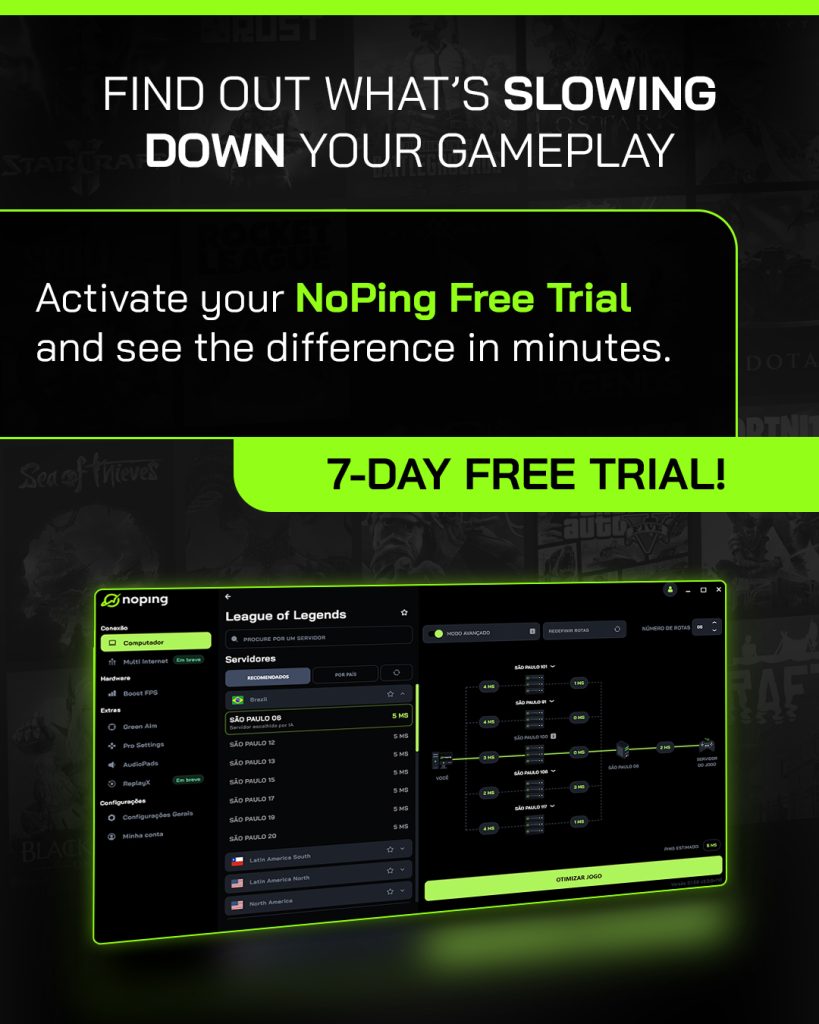
NoPing eliminates these variables across 3,000+ games: Multi-Connection technology reduces lag by up to 80% and eliminates up to 100% of packet loss and jitter. Zero interruption, zero excuses. Your mechanical execution becomes as reliable as your theoretical knowledge.
Already know the theory? Now ensure the practice. Free 7-day trial and discover what it’s like to play Fortnite when complex mechanics work exactly as you planned.
Published by automated system on May 23, 2026 at 8:00 PM